Configuration
000000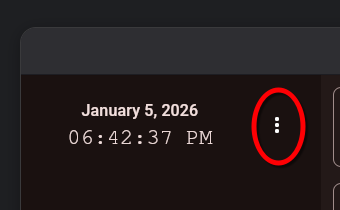
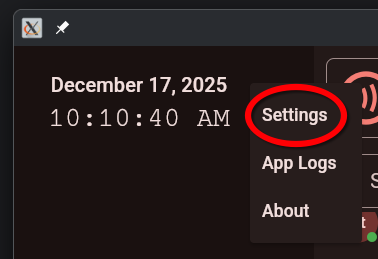
Device-Specific Configuration
These configuration options are only available on certain platforms:
- Android Lockdown (Android-only)
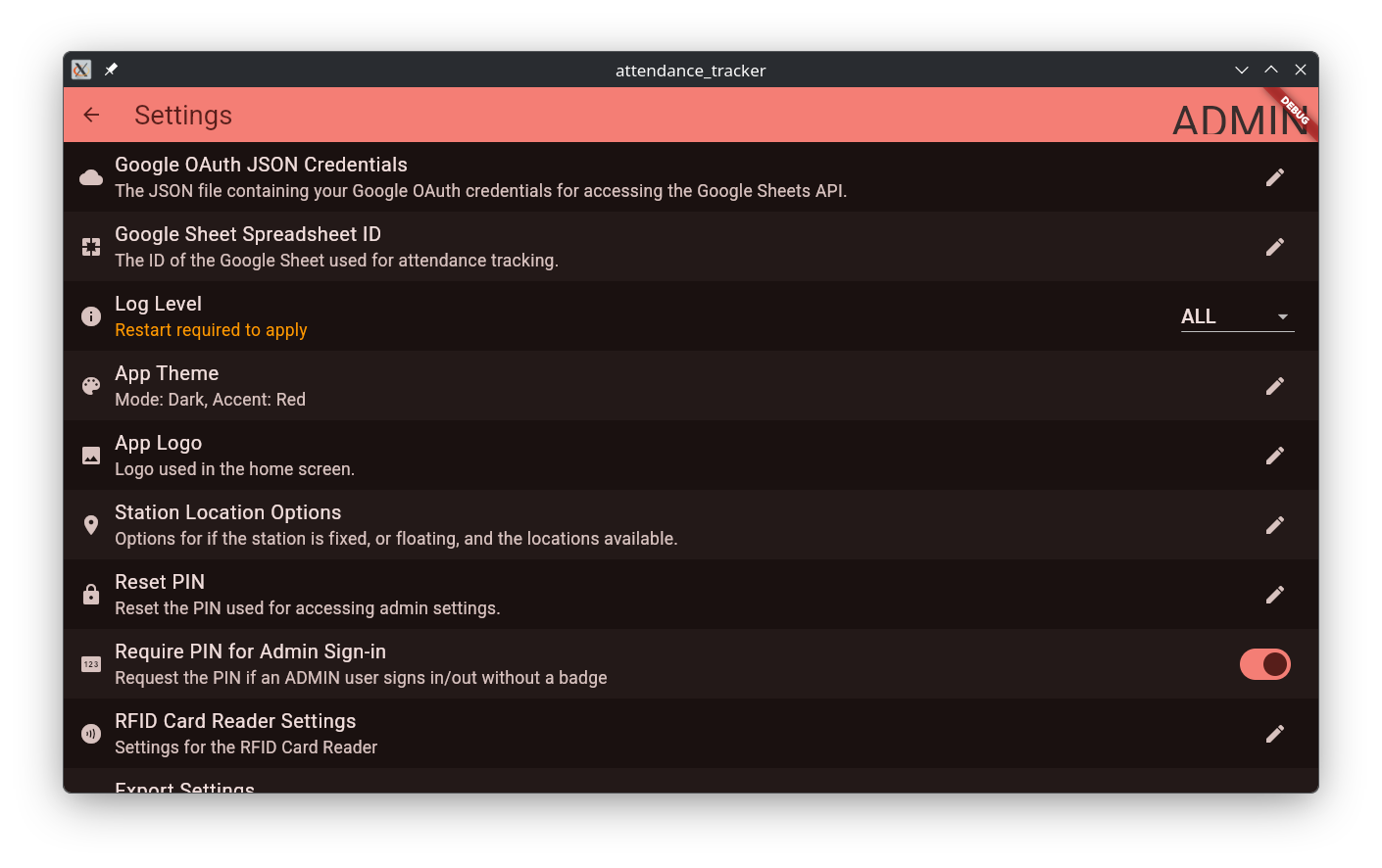
Configuration Options
OAuth Credentials
Credentials can be uploaded to the app from a JSON file, provided during the account setup stage. Only importing credentials is supported. It is recommended to use a USB drive storing credentials.
Spreadsheet ID
This configuration takes in the sheet ID acquired from the sheet creation step.
Log Level
This sets the app’s logging level to be used in the Log Viewer, and terminal output (is running on desktop).
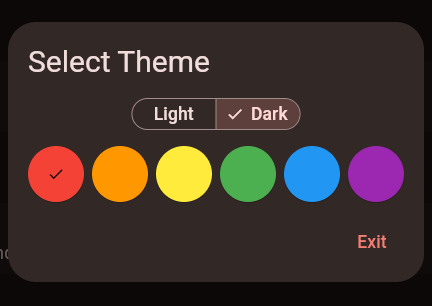
App Theme
The app theme selector allows you to customize the app’s appearance.
App Logo
The app logo setting allows you to set a home screen logo. It is recommended to use 240x240px PNG images for optimal quality.
Station Locations
The station location options allow you to set the location options for clocking in.
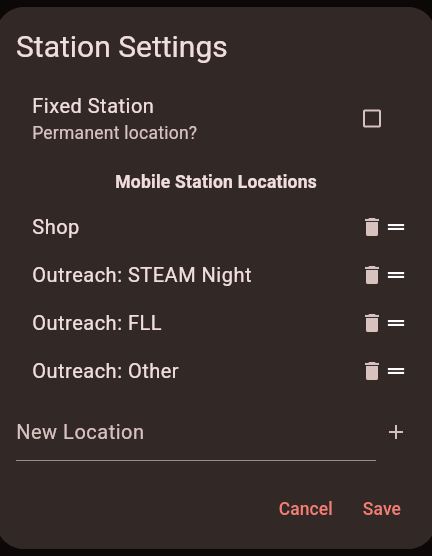
You can add, delete, and move location options. The first option is the default when clocking in.
Fixed Station
The fixed station option will disable the location selection. All members will be clocked in from a static location, with no drop-down.
Reset PIN
The reset PIN option will allow you to set a new global PIN. The global PIN is used for accessing configurations, and logs.
Require PIN for Admin Sign-In
Require a PIN for manual (non-RFID) admin clock in/out. This setting doesn’t affect RFID operation.
RFID Card Reader Settings
This menu allows you to enable or disable an HID card reader. More info can be found here.
Import/Export
Configurations can be exported as a JSON file, and imported from a JSON file.
Developer Options
The developer settings menu contains undocumented configuration options that may make the app unusable. Do not change them unless you know what you are doing.