Android Installation
Android Installation
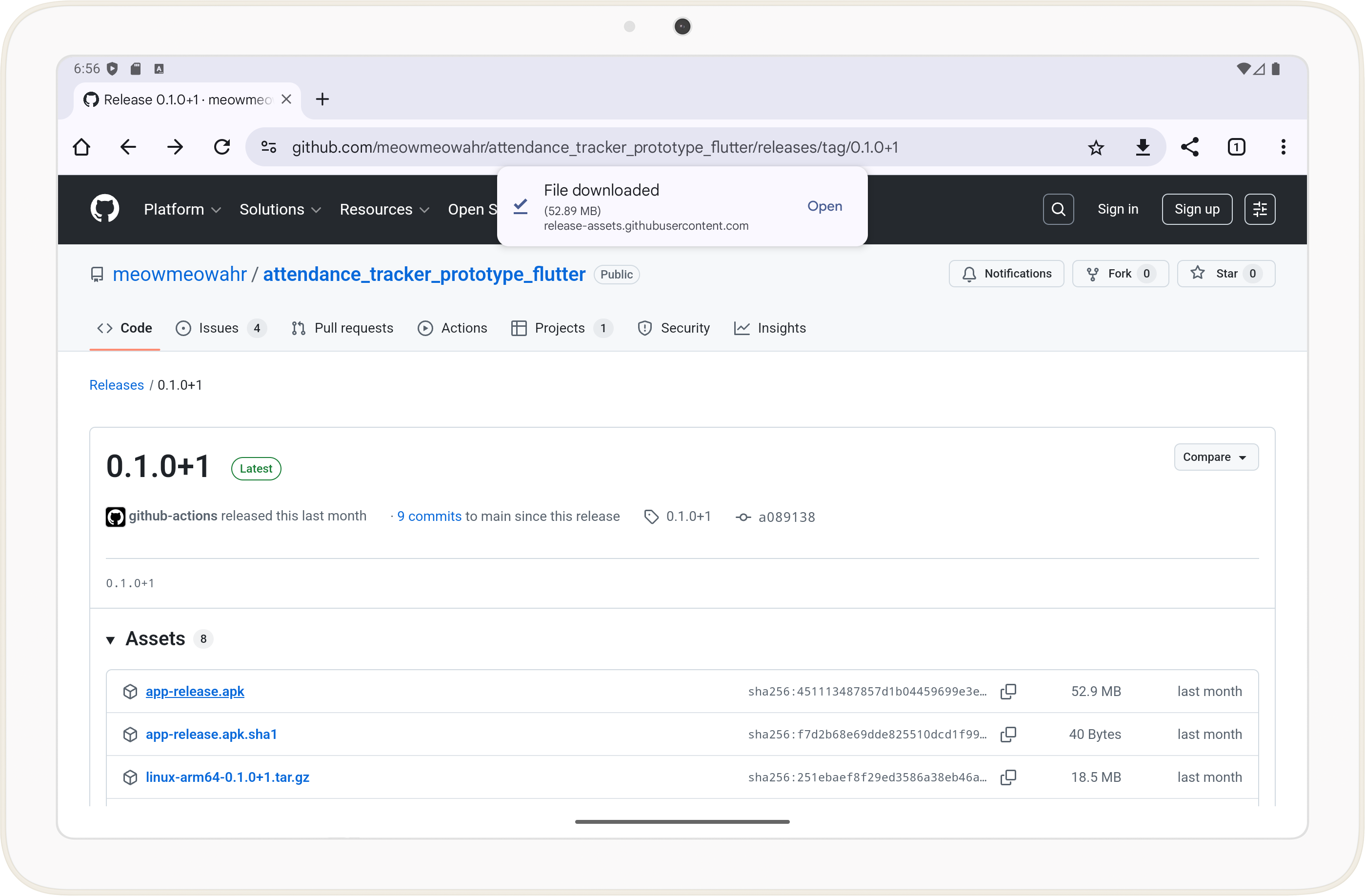
Android (7+) APK files are available on GitHub Releases.
The app only supports tablet sized devices (7" or larger). Phones are not supported.
Installation Steps
1. Download and open the latest APK from GitHub Releases
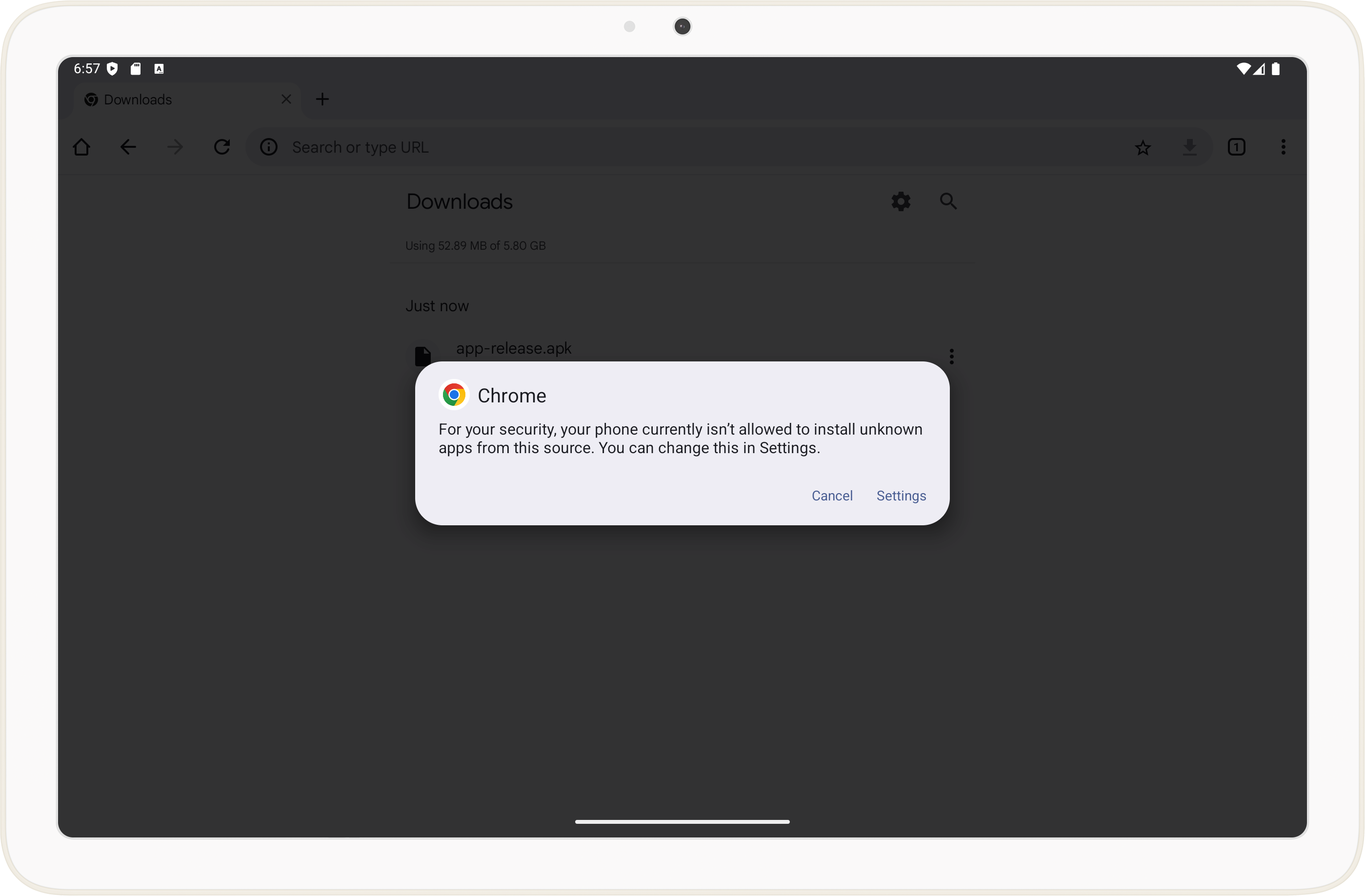
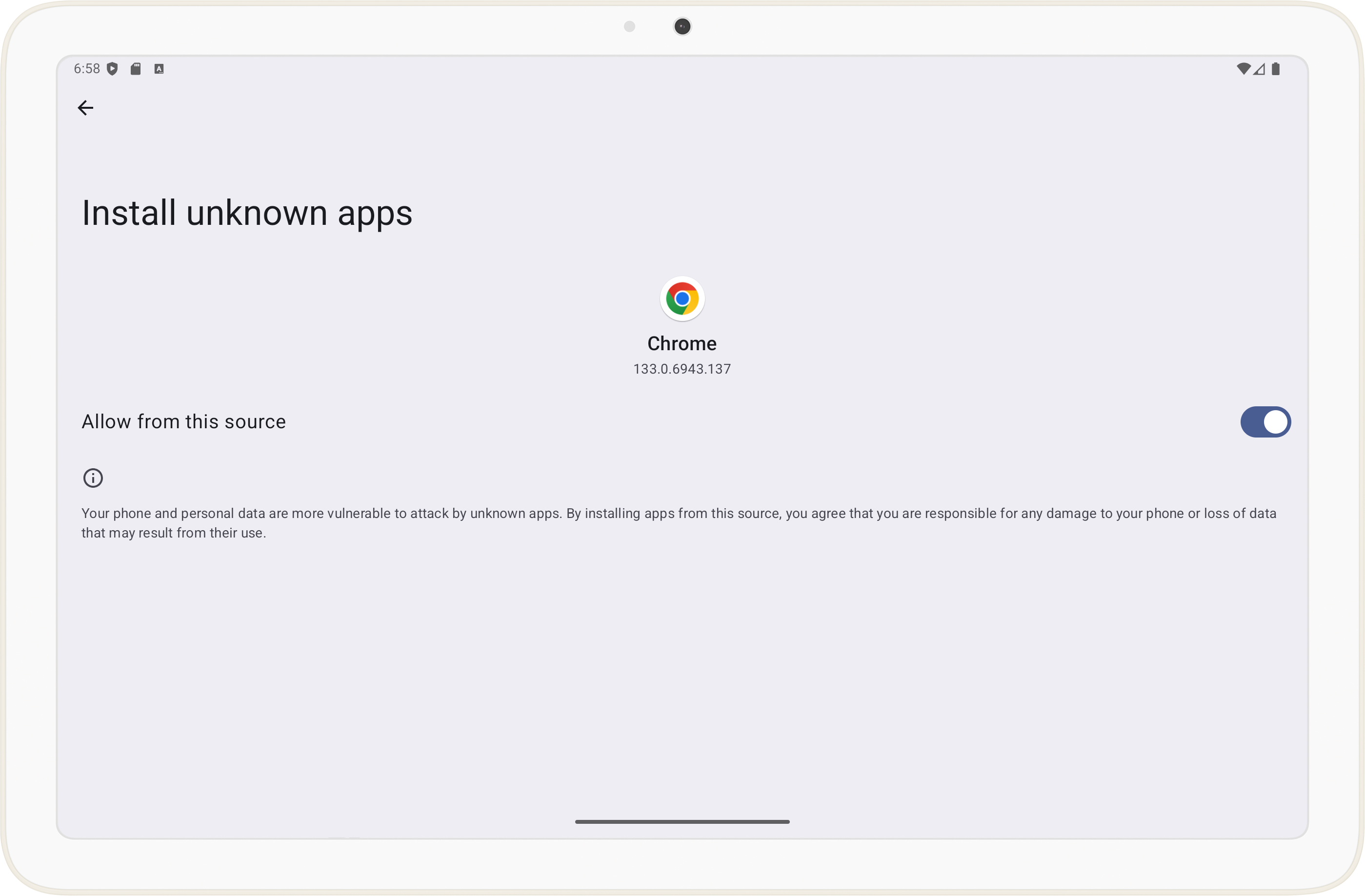
2. If prompted, allow installation from unknown sources
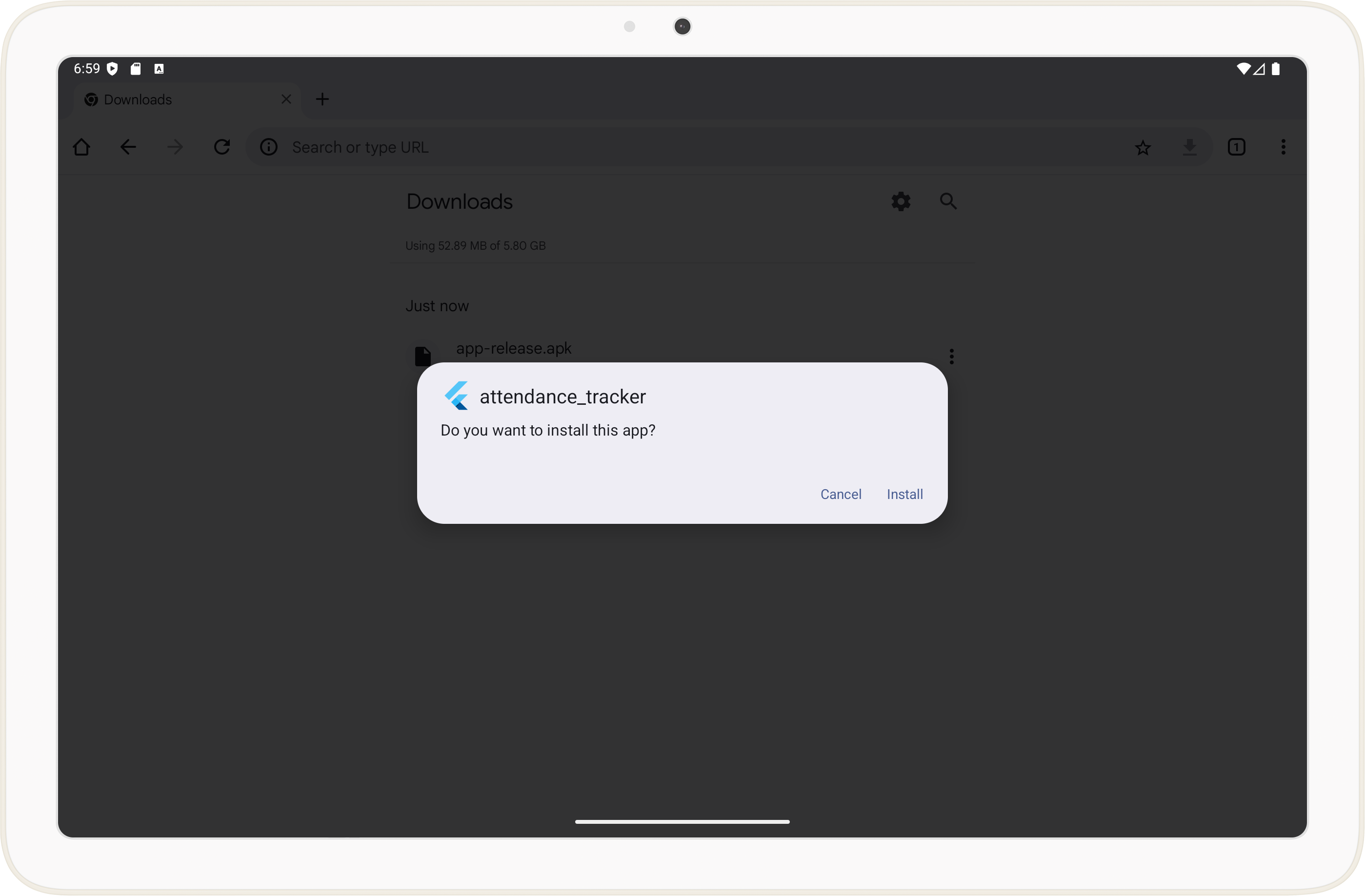
3. Follow the prompts to install the app
You may be asked to run a Google Play Protect scan. This may take a minute.
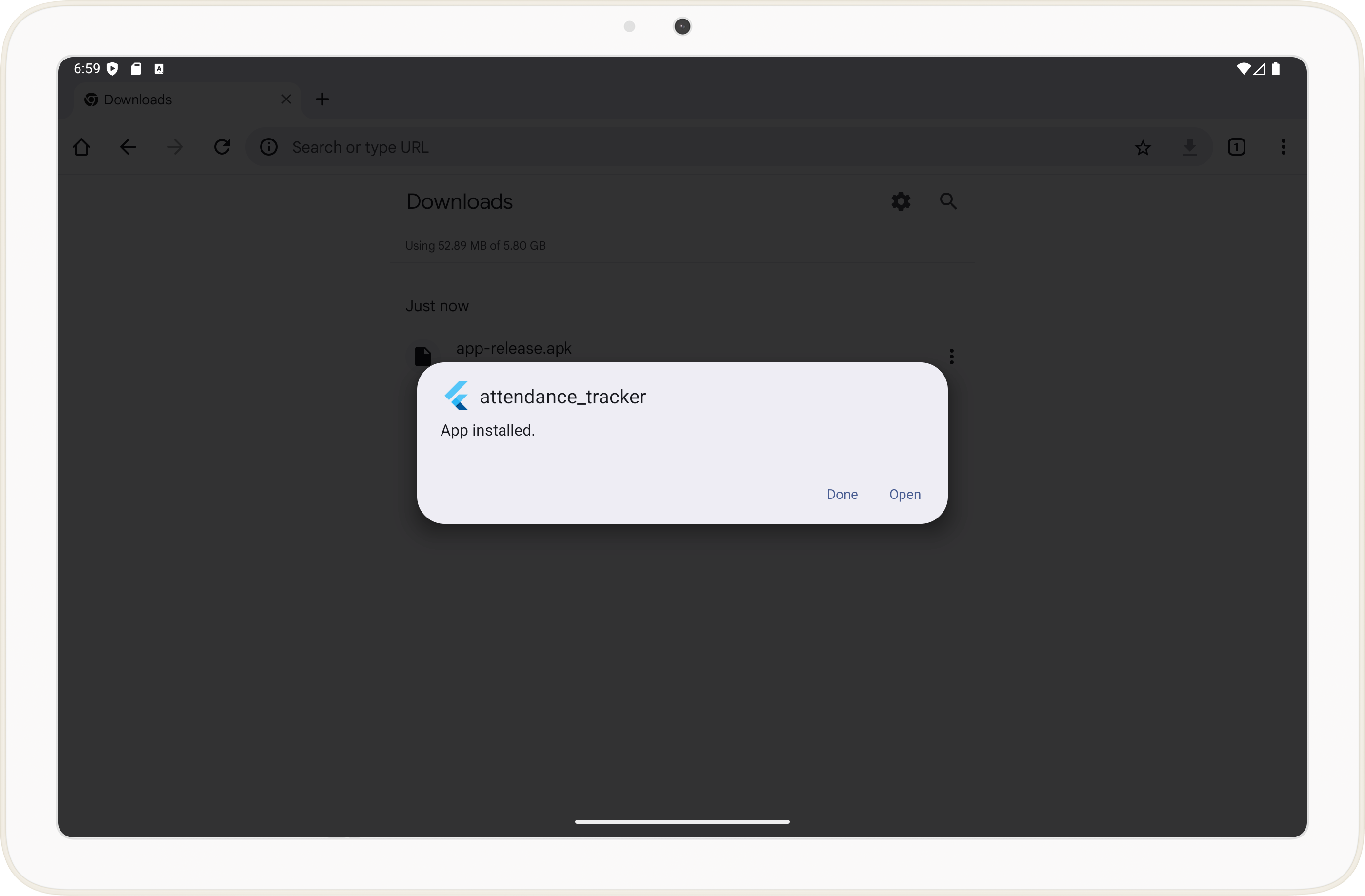
4. Open the app
Congratulations, Second is now installed. Repeat this process when updating to a newer version.
Continue to Configuration
Last updated on